 Render
Render node requirements vary between rendering nodes and dedicated AI compute nodes
Render node requirements combine compatible GPU hardware with admission criteria for rendering or dedicated AI compute workloads. Rendering recommendations include a CUDA-capable NVIDIA GPU, at least 6 GB of video memory, 32 GB of system memory and 100 GB of free storage. The dedicated compute subnet, Dispersed, assesses workstations through benchmark and connection tests, alongside its software requirements. An application enters a waitlist; compatible hardware alone does not establish admission or assigned work.
Workload-specific runtime and uptime requirements can rule out hardware whose GPU benchmark otherwise looks suitable.
Choose the workload your workstation can support
The applicable node configuration starts with the intended workload, the installed GPU and the resources available for sustained operation. Rendering uses a rendering client to process submitted scenes. Dedicated AI compute uses a separate software environment and cohort selection. A machine suitable for one path needs assessment against the other path’s criteria before switching workloads.
Existing hardware is the starting point for compute intake. Applications describe its capabilities so onboarding can match supply with demand. A more powerful replacement card does not resolve an unsupported runtime or an unavailable cohort place.
Rendering recommendations cover memory and working space
A rendering workstation needs compatible GPU hardware and enough memory and temporary storage to process the scenes it receives.
GPU compatibility and video memory
The rendering configuration calls for a CUDA-enabled NVIDIA GPU with drivers compatible with the rendering client. The recommended video-memory starting point is 6 GB, with 8 GB or more preferred. Video random-access memory, or VRAM, holds resources the GPU needs during rendering. Its capacity affects which scenes fit. A faster processor does not enlarge the GPU’s VRAM capacity, so benchmark performance and scene capacity describe different properties.
System memory and temporary files
The recommended system-memory starting point is 32 GB. RAM supports scene preparation and data loading, while VRAM supports work on the GPU. Rendering recommendations also specify 100 GB of free disk space and favor SSD storage. Free working space means unused capacity, not the drive’s total size. The rendering client uses the Windows C: drive for temporary data, making its available space relevant even when another drive has ample capacity.
Compute eligibility covers the complete workstation
Consumer compute intake evaluates an approved GPU configuration together with the host resources needed to support its assigned AI workloads.
Approved models and workload capacity
The consumer compute list includes NVIDIA models from the RTX 30-series, 40-series and 50-series. Inclusion applies to listed models, not every card carrying a similar generation name. The intake uses the RTX 3050 as its minimum GPU compute-score reference. That reference establishes a selection criterion; it does not mean every qualifying card can execute every model or memory-intensive task.
Enterprise compute expands the hardware scope beyond consumer graphics cards. Its approved list includes NVIDIA H100, H200, A100, L40, L4 and T4 GPUs, alongside AMD Instinct MI300-series and Intel Data Center GPU Max hardware. These belong to a separate enterprise admission framework, with compatibility review and performance testing.
Host resources and SSD provisioning
The consumer compute intake specifies at least 64 GB of system RAM. The CPU coordinates data preparation and task management, so the GPU needs supporting host resources. The waitlist checklist lists at least 2 TB of SSD storage. Its storage answer instead specifies a 1 TB NVMe SSD per node; RNP-019 also uses 1 TB as its capacity baseline. Confirm the applicable capacity with the cohort team before treating the drive as meeting the storage requirement. The rendering recommendation of 100 GB free space does not establish an adequate compute drive. Keep available capacity separate from total installed capacity when describing the workstation. Neither figure establishes the drive’s transfer performance.
Operating systems must match the selected compute client
Consumer compute intake accepts Windows, Linux and Windows Subsystem for Linux configurations, with native Ubuntu 22.04 or 24.04 preferred. The Dispersed Linux client supports those Ubuntu versions; other distributions may work but are not officially supported. It also calls for Docker and NVIDIA Container Toolkit. Linux prerequisites also include the CUDA Toolkit. The Windows client requires WSL2 and Docker Desktop; the client exits with an error if Docker Desktop is not running. GPU access inside a container requires a compatible host driver and configured runtime. An operating-system name alone does not establish that access. Enterprise compute specifies Linux; its runtime and drivers must match the approved hardware. The consumer Windows option does not extend that permission to the enterprise cohort.
Benchmarks measure performance within a particular test
A benchmark characterizes the hardware under its test conditions, including the workload, selected devices and software version. OctaneBench measures GPU rendering performance using OctaneRender. Comparable scores require the same benchmark version, scenes and settings.
The rendering client runs a node benchmark during connection. Its editable GPU configuration identifies devices used for rendering, denoising and tone mapping. Changes to those preferences trigger another OctaneBench run, keeping the measurement tied to the selected configuration.
The compute assessment collects broader workstation information, including CPU, memory, storage and GPU measurements. A rendering score cannot replace the complete assessment requested for compute intake. The two tests describe overlapping hardware through different workloads and output formats.
GPU visibility also depends on the execution environment. A device visible on the host may require runtime configuration before a container can access it. Inside a container,
nvidia-smi
reports the GPU devices exposed to that runtime. This establishes visibility, without establishing suitability for every compute workload.
OctaneBench can save results as text or CSV. The compute application requests the assessment’s JSON report. A score copied from a screenshot does not supply that machine-readable report.
Bandwidth and uptime remain separate admission conditions
Compute eligibility specifies a connection capable of at least 100 Mbps download and 75 Mbps upload, together with partner-defined uptime requirements. Mbps means megabits per second. Upload and download describe different directions, so a qualifying download result does not establish a qualifying upload result. These criteria concern the workstation’s connection, alongside its GPU performance.
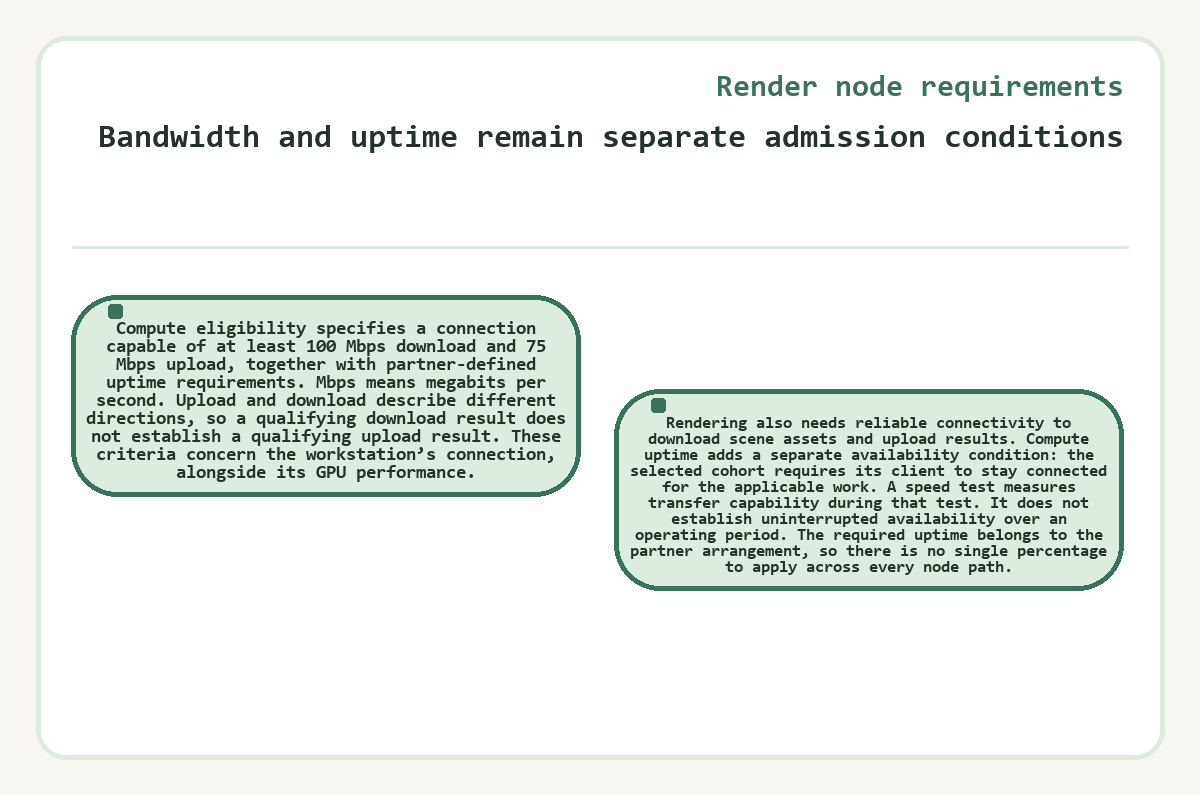
Rendering also needs reliable connectivity to download scene assets and upload results. Compute uptime adds a separate availability condition: the selected cohort requires its client to stay connected for the applicable work. A speed test measures transfer capability during that test. It does not establish uninterrupted availability over an operating period. The required uptime belongs to the partner arrangement, so there is no single percentage to apply across every node path.
Can a multi-GPU workstation join as one compute node?
A multi-GPU workstation can enter compute intake, and the assessment covers that workstation rather than an entire fleet of separate machines. Intake recommends submitting one workstation and benchmarking separate workstations individually. GPU count also leaves other constraints unchanged: adding a card does not increase each card’s VRAM, the host’s RAM or its internet bandwidth. Enterprise clustering has additional interconnect and operational requirements, so acceptance of a multi-GPU workstation does not establish support for an arbitrary distributed cluster.
Recover a missing compute benchmark report
You can recover a missing JSON report by finding the saved output or rerunning the assessment from a terminal. The recovered JSON report must describe the workstation in your application. Changing how the tool runs can expose its saved-file location without changing hardware eligibility.
- If the assessment finished, inspect its output folder, current working folder and home directory before repeating the test.
- If a JSON report exists, confirm its hardware information describes the workstation in the application.
- If no report is available, run the assessment from a terminal or shell so its output shows the saved-file path.
- Keep separate workstations in separate assessments, even when each workstation contains several GPUs.
- Use the recovered report alongside the requested connection test and the configuration relevant to the chosen compute cohort.
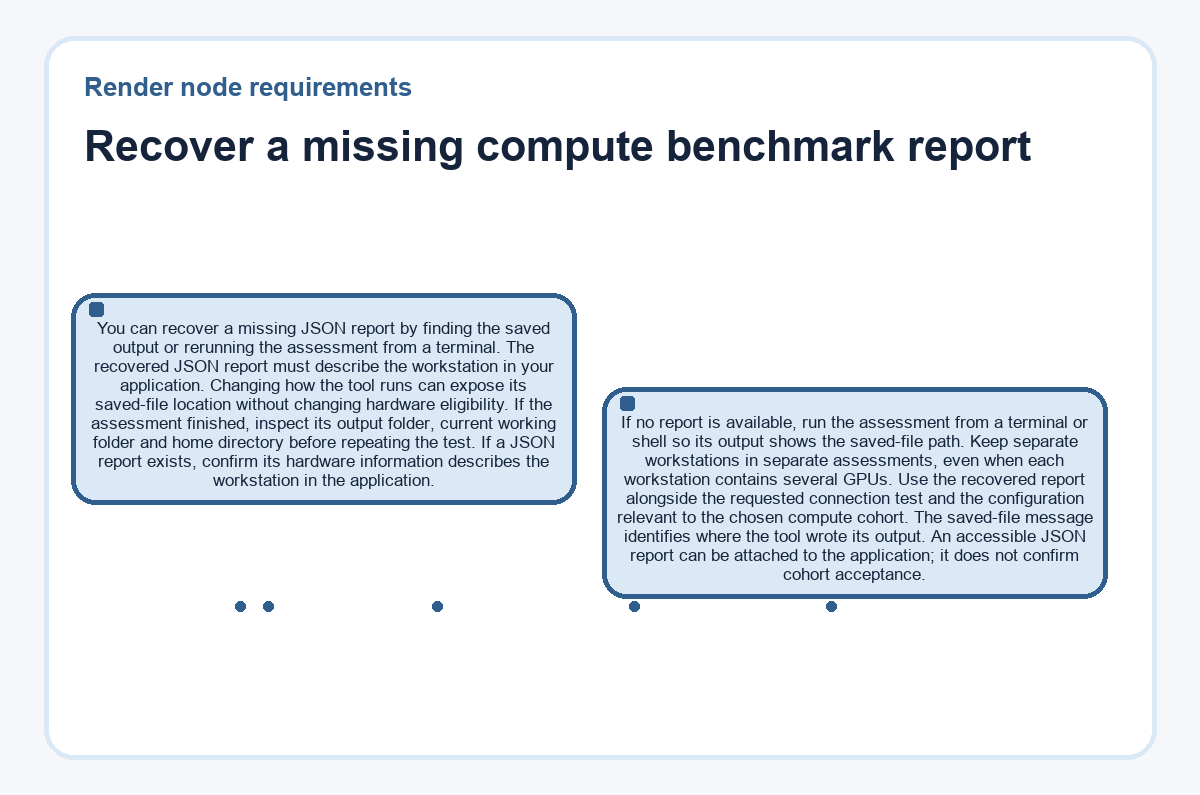
The saved-file message identifies where the tool wrote its output. An accessible JSON report can be attached to the application; it does not confirm cohort acceptance.
Power and resource contention affect continued operation
A usable node configuration needs sustained electrical and computing capacity because brief compatibility checks do not reproduce every condition of ongoing operation.
Power delivery and cooling
The rendering client can drive GPUs close to their full rated power. The power supply must support the installed GPUs and the rest of the system under load. Insufficient capacity can cause hard crashes. Cooling matters independently: excessive heat can reduce GPU clock speeds through thermal throttling. Physical spacing and airflow become more demanding with multiple cards, even when the motherboard detects every device.
Shared workloads and private data
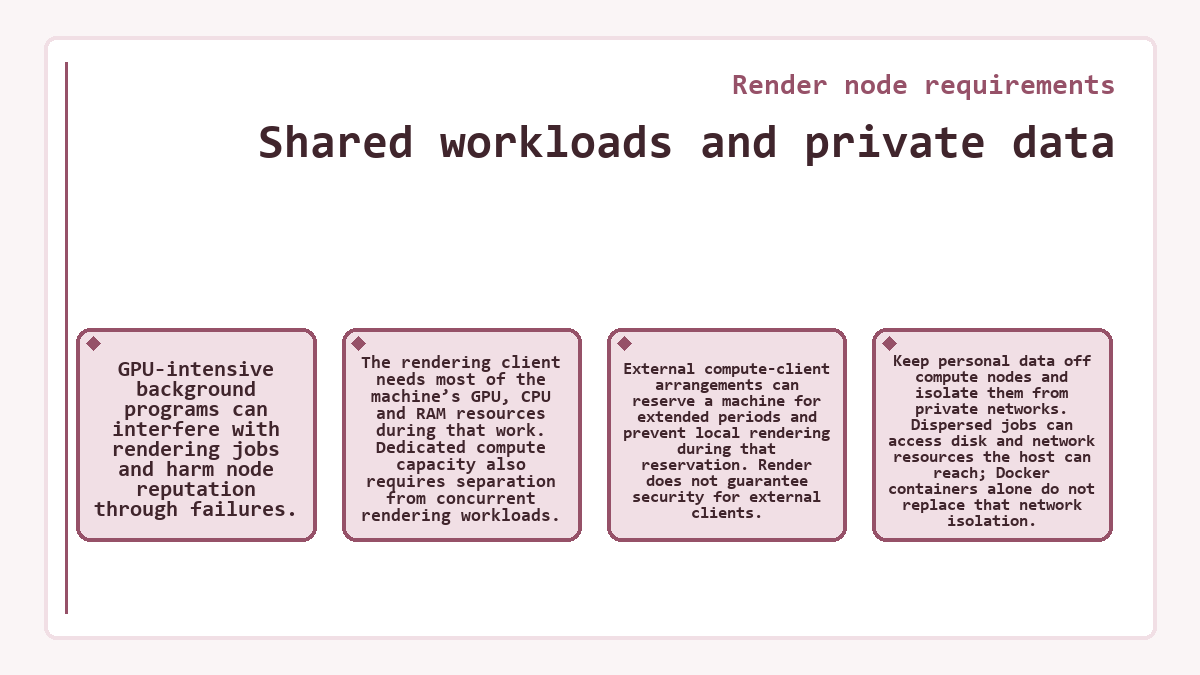
GPU-intensive background programs can interfere with rendering jobs and harm node reputation through failures. The rendering client needs most of the machine’s GPU, CPU and RAM resources during that work. Dedicated compute capacity also requires separation from concurrent rendering workloads. External compute-client arrangements can reserve a machine for extended periods and prevent local rendering during that reservation. Render does not guarantee security for external clients. Keep personal data off compute nodes and isolate them from private networks. Dispersed jobs can access disk and network resources the host can reach; Docker containers alone do not replace that network isolation.
Admission follows hardware assessment and available demand
Admission is an onboarding decision shaped by compatible hardware and demand for the workload the node can perform. Rendering interest enters an onboarding queue, followed by instructions when the node is ready for addition. Compute applications enter a waitlist and require cohort selection. Compute reward eligibility also requires the relevant client to be deployed and connected, with the applicable bandwidth and uptime conditions maintained.
Providers with 25 or more GPUs or H100 and higher GPU models can request data-center onboarding information. Render-farm API access is assessed case by case, while enterprise compute includes verified operators and workload-specific performance requirements. These routes preserve an option for larger configurations without treating a workstation benchmark as fleet-wide approval. Compute intake seeks existing hardware and cautions against purchases made solely for a prospective place. Before accepting reserved compute work, decide whether the workstation can remain available without interrupting its local use.
Render node requirements FAQs
Which wallet receives RENDER rewards for an admitted compute-cohort node?
Compute-cohort RENDER rewards require a registered Solana wallet. Registration must precede reward accrual; earlier work is ineligible under the cohort’s eligibility framework. The wallet requirement accompanies membership and operational eligibility, so supplying an address alone does not activate the node or replace its compute-client connection.
Why does the compute benchmark compare a recent workstation with an older reference system?
The benchmark’s comparison labels reflect a limited reference dataset. An unexpected comparison does not prevent the assessment from running or its data from being uploaded. The recorded hardware and measurements provide the application data; the comparison label alone does not establish acceptance or rejection.
Is an OctaneRender license required for the node’s OctaneBench test?
OctaneBench runs without an OctaneRender Standalone license. Its hardware and software requirements match those of OctaneRender Standalone. The license exemption applies to the benchmark and does not determine access to a Render node client, a compute cohort or other rendering software.
Are Apple GPUs included in enterprise compute eligibility?
Apple hardware is excluded from the enterprise compute specification. A benchmark utility’s ability to run on a Mac does not add Apple GPUs to that cohort’s approved hardware. Compatibility for the benchmarking tool and eligibility for the enterprise node program are separate conditions.
Can an inactive rendering node resume after three months without reapplying?
A rendering node inactive for three months or more is treated as expired and removed from the network. Its operator must reapply to the waitlist for consideration of re-entry. This rendering inactivity policy is separate from the uptime conditions attached to a dedicated compute cohort.